How to Buy WigoSwap (WIGO)

Looking to buy WigoSwap(WIGO)? You can purchase WIGO through Web3 wallets, decentralized exchanges (DEXs), or supported centralized exchanges in just a few steps. This guide walks you through the best ways to buy WigoSwap, and how to store and manage your WIGO securely after purchase.

Crypto Rating
4.4
Last updated: -- (UTC+8)

Where Can I Buy WigoSwap (WIGO)?

Even though WigoSwap is not listed on BingX yet, you can buy it using Web3 wallets, decentralized exchanges, or reputable centralized exchanges that list WIGO. Once you buy WigoSwap elsewhere, you can transfer it to your own wallet, and later deposit it into BingX when trading becomes available.
Why Is WigoSwap Not Listed on BingX Yet?
WigoSwap undergoes standard listing reviews for security, liquidity, and project integrity. Once approved, WigoSwap could be supported on BingX Spot, Convert, and Earn products. Sign up now to be notified when WigoSwap becomes available.

Choose How to Buy WigoSwap

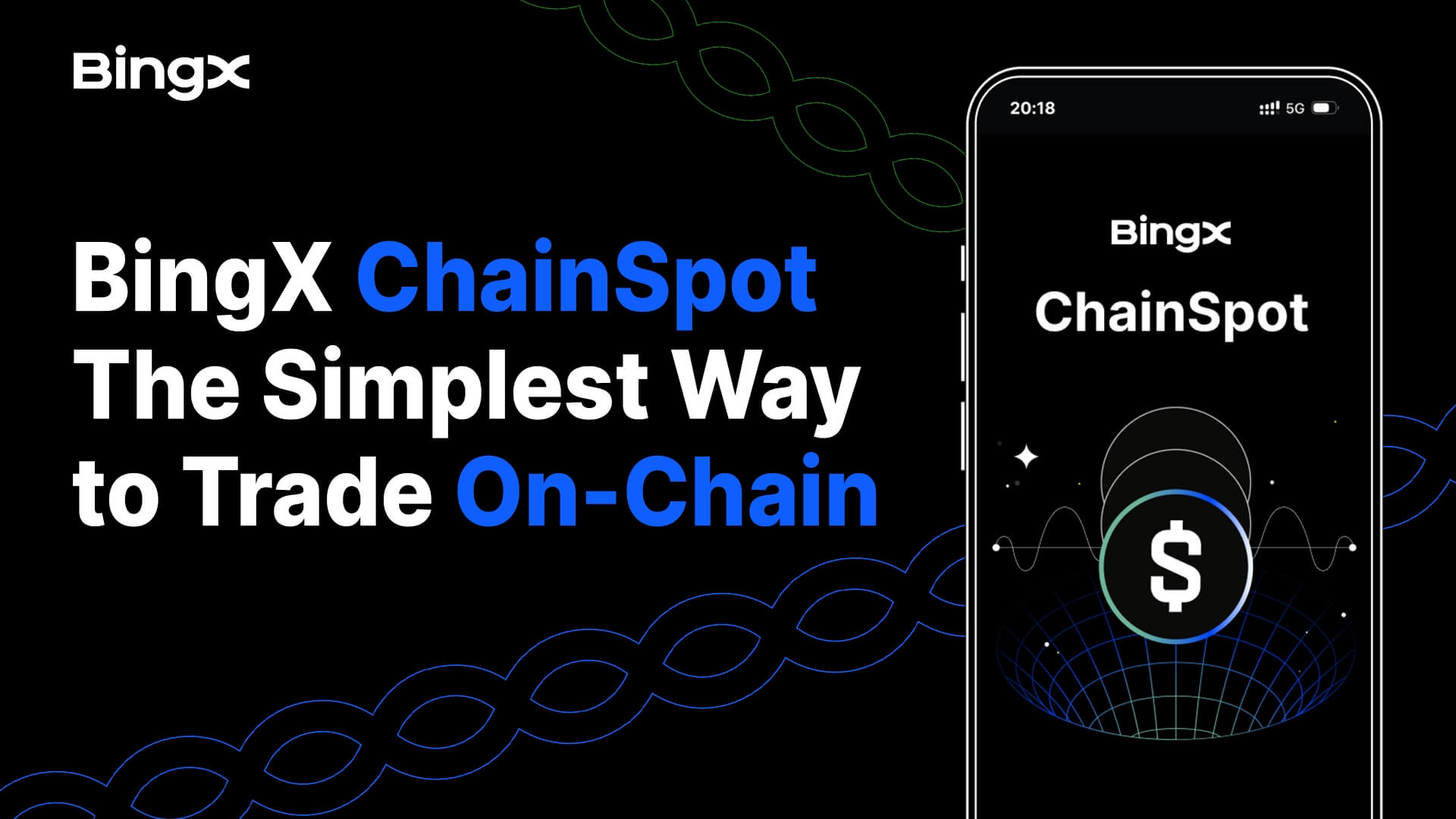
  • Buy WigoSwap on BingX ChainSpot
    BingX ChainSpot offers access to early-stage Solana ecosystem tokens directly from your BingX account.
    1. Navigate to ChainSpot: In the BingX app or website, go to the Spot tab, then select ChainSpot.
    2. Fund your Spot account: Ensure you’ve finished Advanced KYC and have USDT in your Spot Account.
    3. Search for WIGO: Use the ChainSpot search bar or select WIGO from the Solana-supported asset list.
    4. Enter the amount of WIGO to buy: Specify how much USDT you want to swap into WIGO. Only market orders are supported on ChainSpot.
    5. Receive WIGO: Check the output, fees, and contract details, then confirm the order; ChainSpot executes the swap on-chain and deposits WigoSwap straight into your BingX Spot Account with no external wallets or bridging required.
    Pro Tip: ChainSpot eliminates the need for external wallets or manual bridging, but on-chain swaps may still incur Solana gas fees and be affected by liquidity or price volatility.
  • Buy WigoSwap on a Decentralized Exchange (DEX)
    Alternatively, you can buy WigoSwap on DEXs without KYC by using a compatible Web3 wallet.
    1. Set up a Web3 wallet: Create a compatible Web3 wallet, such as Trust Wallet, MetaMask, or Phantom, and fund it with a base token like USDC, USDT, WETH, or BNB. Make sure your wallet supports the network your token is on. For example, MetaMask supports Ethereum and most EVM chains.
    2. Connect to a compatible DEX: Connect your wallet to a DEX to buy WigoSwap without KYC, e.g., use Uniswap for Ethereum tokens, and Raydium for Solana-based tokens to ensure full compatibility.
    3. Search for WIGO: Choose the WIGO pair and enter how much USDC or other base currency you want to swap into WIGO.
    4. Swap for WigoSwap: Set slippage, review gas fees, and approve the swap. Your WigoSwap will arrive once the transaction is confirmed on-chain.
    Pro Tip: On-chain purchases include gas fees and carry slippage, liquidity, and smart contract risks. You are fully responsible for self-custody.
    View More
  • Buy WigoSwap on a Supported Centralized Exchange (CEX)
    Centralized exchanges (CEX) are the simplest and most popular way to buy WIGO. Perfect for beginners.
    1. Choose an exchange: Choose a reputable exchange or platform that lists WigoSwap in your region.
    2. Create and verify account: Sign up using your email address, create a secure password, and verify your identity by submitting a valid ID and, if required, proof of address to begin trading in a compliant and secure manner.
    3. Add a payment method: Deposit funds using fiat like USD, EUR, etc., or crypto like USDT, BTC or ETH.
    4. Buy WIGO: Search for WIGO, select a trading pair like WIGO/USDT, choose Market or Limit, enter the amount you want to purchase, and place the order.
    5. Store WigoSwap: Withdraw WIGO to your own wallet for self-custody if desired, and later deposit it into BingX once supported.
    Pro Tip: Always pick a reputable exchange with strong security, low fees, and good reviews. A few minutes of research can save you a lot.
    View More
  • Buy WigoSwap via Token Swap on a Web3 Wallet
    You can buy WIGO through token swaps in Web3 wallets for a quick, KYC-free option.
    1. Get a Web3 wallet ready: Install MetaMask, Trust Wallet, Phantom, or another wallet compatible with WIGO’s blockchain.
    2. Fund the wallet: Add a base token like USDT, ETH, or SOL via an on-ramp service or by transferring from BingX.
    3. Prepare gas fees: Ensure you have the blockchain’s native token such as ETH, BNB, or SOL to cover gas costs for the swap.
    4. Swap for WIGO: Open the wallet’s Swap feature, choose the base token as the input and WIGO as the output, review slippage and estimated output, and confirm the transaction.
    5. Receive WIGO: Once the transaction is confirmed on-chain, WIGO will appear in your wallet.
    Pro Tip: Wallet swaps may have higher fees, limited network support, and require full responsibility for safeguarding your private keys.
    View More

What Can You Do with WigoSwap After Buying?

  • Hold WigoSwap

    Store WIGO securely in a self-custody wallet or hardware wallet if you're planning long-term storage.

  • Trade WIGO

    Buy or sell WigoSwap on reputable DEXs or CEXs where it is listed, or use trading bots and automation tools available on those platforms.

  • Earn WigoSwap

    Stake or use WIGO in staking pools or DeFi platforms if supported, participate in governance, or access ecosystem features and utilities built around WigoSwap.

  • Store or Transfer WigoSwap

    Send WIGO to a hardware wallet for long-term security, or transfer it to other wallets or users anytime for payments, swaps, or portfolio management.

How to Safely Store WigoSwap

  • The safest way to store WigoSwap is in a self-custody wallet where you control your private keys, like MetaMask, Trust Wallet, or hardware wallets like Ledger or Trezor.Once WigoSwap is listed, you can deposit it into your BingX Spot Account for secure trading and easy access to BingX features.

FAQs About Buying WigoSwap (WIGO)

Why isn’t WigoSwap listed on BingX yet?

New assets must pass BingX’s internal review process, which evaluates security, liquidity, compliance, project fundamentals, and overall listing readiness before being made available for trading.

Where can I buy WigoSwap now?

How do I transfer WigoSwap to BingX later?

What is the safest way to buy WigoSwap?

Can I buy WigoSwap without KYC?

WigoSwap Investment Calculator

See how much a $100 WigoSwap investment from your selected year would be worth today, based on historical data.
You would get
$--
--
Check the real-time WIGO/USDT exchange rate before placing any purchase order. Remember, past performance is not a guarantee of future results.

What Other Crypto Assets Are People Buying on BingX?

Trending Crypto Assets on BingX Today

Want to Learn More Before Buying WIGO?